Electron: why VS Code, Slack and Discord all run on the same framework
Electron powers the desktop apps used by 200 million people daily, but Tauri and a wave of new frameworks are challenging its dominance with dramatically smaller bundles and faster startup times.
Electron isn’t the fastest desktop framework, or the leanest, or the one that makes operating-system purists happy. But it is the one behind the applications that roughly 200 million people open every day — VS Code, Slack, Discord, Figma, Notion, and, as of early 2026, Claude. When Microsoft, which owns Windows, chose Electron for its flagship code editor in 2015, it signalled something louder than any benchmark could: cross-platform reach had overtaken native performance as the organising principle of desktop software.
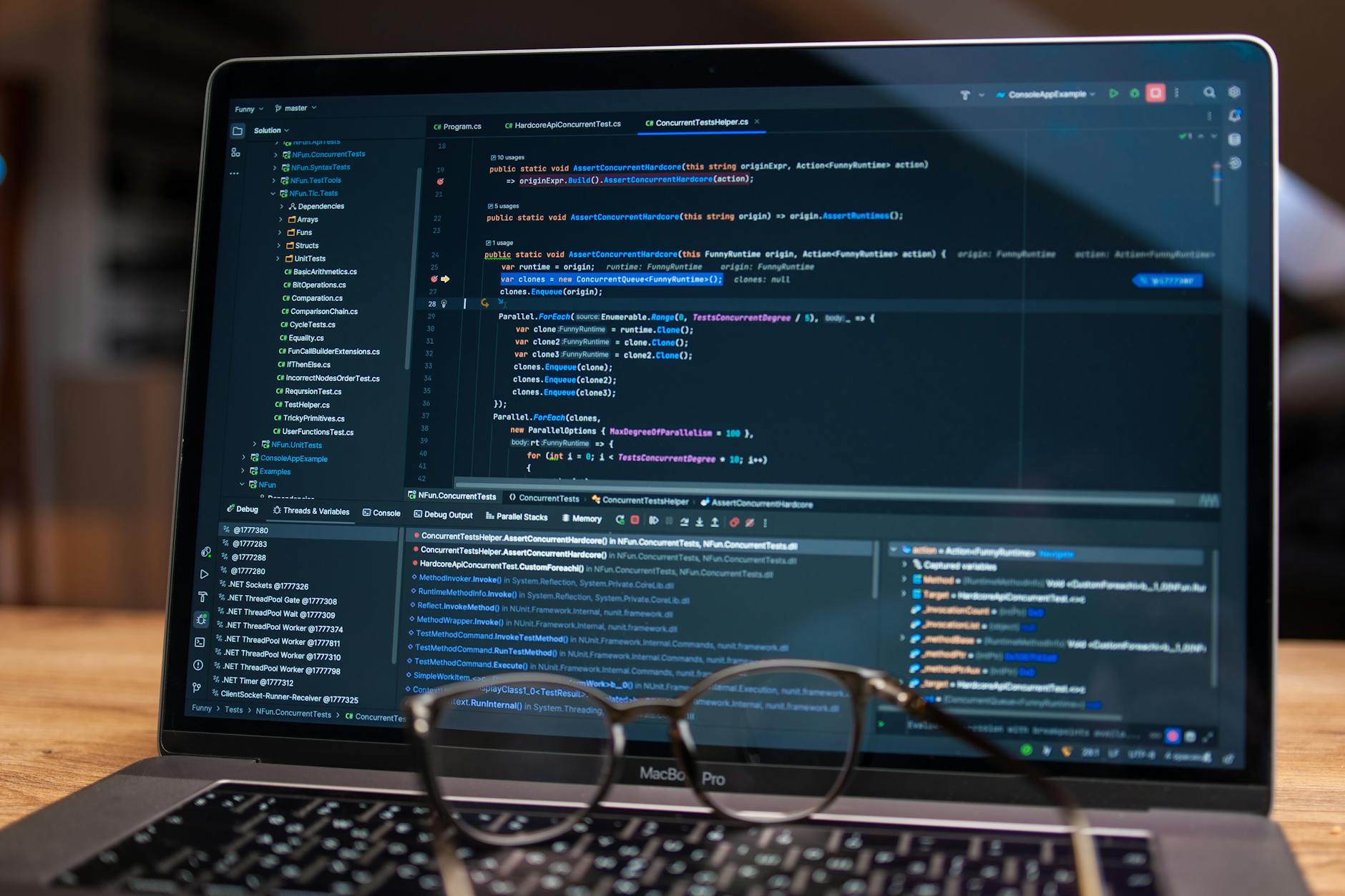
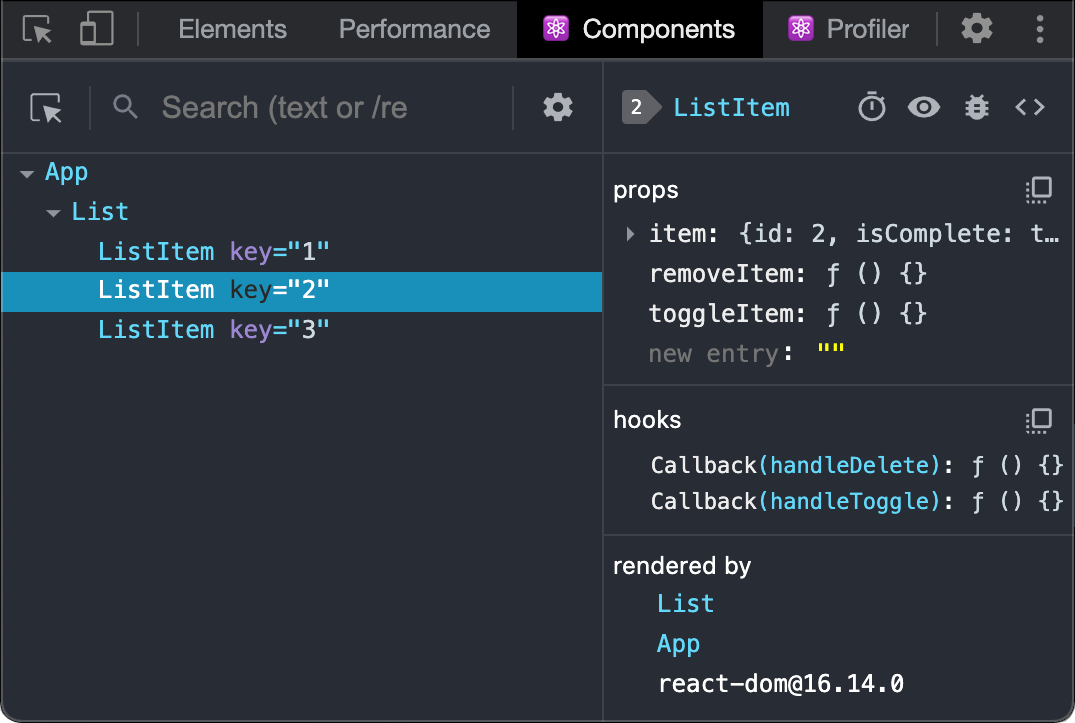
What Electron does is simple to describe and expensive to run. It bundles an entire instance of Chromium — the open-source browser engine that powers Chrome and Edge — with a Node.js runtime, then renders your web application inside it as though it were a single-page website living on the user’s desktop. Every Electron app ships its own copy of Chromium, and every instance of Slack, Discord, and VS Code you have open is running a full browser process plus whatever Node.js threads the application spawns. So each Electron app routinely consumes 150 to 300 megabytes of memory per instance, even at idle. A cold start can take over 1,400 milliseconds on mid-range hardware. Two operating-system-level processes sit behind every Electron window: a main process running Node.js that manages the application lifecycle, and a renderer process running Chromium that draws the interface. They communicate over inter-process channels, which is why Electron applications can feel slower to respond than native equivalents — every button click crosses a process boundary.
This is not a bug. It’s the architecture working as designed, and it means a developer who knows HTML, CSS, and JavaScript can build a desktop application that runs on Windows, macOS, and Linux without learning a single platform-specific API. Because the renderer is just a browser, every CSS animation, every layout trick, and every JavaScript library the web platform supports works on the desktop with zero additional engineering. The electron-builder packaging tool records 2.1 million weekly downloads on npm as of May 2026, and more than 8,000 Electron applications are listed on the Mac App Store alone. Electron 34.x, released in early 2026, ships with Chromium 132 and Node.js 22, keeping the browser engine current enough that web-platform features land on the desktop within months of shipping in Chrome.
And the teams shipping these apps are not confused about the trade-off. Boris Cherney of Anthropic’s Claude Code team put it plainly in February 2026: “Developer familiarity and simpler maintainability across multiple platforms is worth the tradeoffs. We have incredible coding agents, but the last mile of dev remains a real concern.” The reasoning is structural, not ideological. A team that builds its product as a web application — React, Vue, Svelte, whatever — can ship that same application to Windows, macOS, and Linux from a single codebase with Electron. The alternative is maintaining three platform-specific codebases or adopting a framework that hasn’t proven itself at Discord’s scale.
Why the biggest apps bet on web tech
The list of Electron apps reads like a directory of the most-used desktop software in the world. VS Code. Slack. Discord. Figma. Notion. WhatsApp Desktop. Spotify. Signal. 1Password. Each of these organisations could afford to build native applications for every platform they target. Each chose not to.
Igor Fil, an engineer who published a widely-read analysis of this phenomenon in 2026, frames the situation as less a technical debate than a market equilibrium. “In 2026, serious cross-platform desktop software means Electron,” he wrote. “When the platform owner abandons native for cross-platform web tech, the platform is officially dead.” The company that built Windows looked at the desktop development market and decided that web technologies were the safer bet for its most important developer tool.
And the breadth of developer tools and libraries is the argument that doesn’t fit in a benchmark table. When a team hits a platform-specific bug — code signing on macOS, auto-update on Windows, sandboxing on Linux — someone else has almost certainly already solved it and published the solution. For a product team trying to ship features, not frameworks, that matters more than cold-start milliseconds.
The performance question
Yet the performance data won’t stay quiet.
Elias Virtanen, a tech analyst who published a detailed Tauri-versus-Electron benchmark in 2026, found that Tauri produces bundles roughly 96 per cent smaller than Electron’s, consumes 58 to 75 per cent less memory, and starts nearly four times faster. “Bundle sizes are roughly 25x smaller,” Virtanen wrote. “Memory consumption runs 58-75% lower. Startup times are nearly 4x faster. The only area where Electron outperforms is build speed.”
How Tauri achieves this is instructive. Instead of bundling an entire Chromium browser, it uses the operating system’s own webview — WebKit on macOS, WebView2 on Windows, WebKitGTK on Linux — and replaces Node.js with a Rust backend that compiles to native code. Because the webview is already on the user’s machine, the framework itself adds almost nothing to the bundle. An Electron app might ship at 150 megabytes before you write a line of application logic. A Tauri equivalent starts around 4 megabytes. Cold-start times measure 380 milliseconds for Tauri against 1,420 milliseconds for Electron on the same mid-range hardware.
The migration stories are beginning to pile up. Hoppscotch, the open-source API client, moved from Electron to Tauri in 2026 and saw its bundle shrink from 165 megabytes to 8 megabytes, with a 70 per cent reduction in memory consumption. AMD’s Lemonade SDK, an open-source tool for running local AI models, removed Electron from its 10.3 release in April 2026 and the installer dropped by an order of magnitude. These are not hypotheticals — they are production applications that measured the overhead and decided it was no longer worth carrying.
For a sense of where the puck is moving, consider that Tauri’s plugin collection has grown from 47 in January 2025 to roughly 120 today, and the project is tracking 55 per cent year-over-year adoption growth. The community is not large enough to match Electron’s yet, but the trajectory matters.
Where web-first rendering hits its limits
The skeptics argue that replacing Chromium with an OS webview doesn’t solve the deeper problem: rendering desktop applications through a browser engine at all.
Elie Gambache, who analysed the 2026 desktop framework options, argues that only truly native frameworks — Qt in C++, Compose Multiplatform in Kotlin, or SwiftUI for Apple platforms — deliver the rendering consistency and UX polish that business-critical applications with a hundred or more screens demand. WebView-based rendering eventually hits a ceiling where JavaScript and Rust optimisations cannot compensate for the abstraction layer.
Qt carries 30 years of cross-platform desktop legacy and renders truly native widgets on every platform. But the trade-offs are real: C++ demands a different engineering skillset than JavaScript, and the licensing model splits into two paths — PySide6 offers LGPL terms suitable for proprietary applications, while PyQt6 requires a commercial licence. Flutter Desktop, Google’s Dart-based framework, delivers strong 120 frames-per-second animation performance and genuine cross-platform consistency. Its Dart community and tooling, however, remain limited for desktop-heavy workloads compared to the JavaScript and Rust communities, and desktop adoption lags well behind Electron and Tauri.
Gambache’s central argument reframes the whole debate. The conversation has been flattened into a two-player matchup — Electron versus Tauri — when the real question is whether web-based rendering, regardless of the wrapper, is the right foundation for the application you are building. For a chat client, it almost certainly is. For a video editor or a CAD tool, it almost certainly is not.
What’s coming next
The framework market is shifting faster than at any point in the past decade, and Electron’s challengers are not waiting for it to catch up.
Tauri 2.0 reached stable in late 2025 and now supports iOS and Android alongside desktop — the first framework in this category to unify desktop and mobile from a single codebase. Electron has never attempted mobile.
Electrobun, a TypeScript-first alternative that shipped its v1 in February 2026, takes a different approach entirely: it uses the operating system’s WebView like Tauri does, but keeps the developer experience in TypeScript rather than requiring Rust. Its default bundle is 12 to 14 megabytes. Its delta-update mechanism ships patches as small as 14 kilobytes — against Electron’s 100-megabyte-plus full-installer updates. The cost is much fewer available plugins and essentially no production track record.
Compose Multiplatform, JetBrains’ Kotlin-based framework, offers yet another calculus: it shares code across desktop, iOS, Android, and server via Kotlin Multiplatform, with a declarative UI model that does not depend on a browser engine at all. JetBrains uses it in production for Android Studio’s Gemini module. The downside is a smaller community than Electron’s and a steeper learning curve for teams not already invested in Kotlin. For a greenfield team choosing a stack in 2026, Compose represents the strongest native-rendering option with cross-platform reach — provided the organisation is willing to invest in Kotlin expertise.
Should you build on Electron in 2026?
The framework choice is really a team-composition choice dressed in technical language. Here is how the decision breaks down.
If your team is JavaScript-first, shipping to desktop and web from a single codebase, and your users are running modern hardware, stay with Electron. The breadth of available plugins and tools is mature, the debugging story is well-understood, and the performance overhead, while real, is absorbed by the hardware most users already have. A 150-megabyte memory footprint looks different when your user runs a MacBook Pro with 32 gigabytes of RAM than when they’re on an enterprise-issued ThinkPad with 8.
If your team has Rust capability, or is willing to invest in it, and your application is performance-sensitive — think system utility, media tool, always-on tray app — Tauri is the correct bet in 2026. Bundle-size and memory advantages compound at scale: an organisation deploying a desktop agent to 100,000 machines saves real bandwidth and battery life on every update. But factor in the Rust learning curve honestly. It is real, and it will slow your first project.
If you need desktop and mobile from one codebase, Tauri 2.0 and Compose Multiplatform are the two credible options. Neither has Electron’s breadth of available plugins and tools, but both are past proof-of-concept. And if you need native rendering fidelity — 120 fps animations, perfect platform accessibility, zero-latency text input on complex screens — Qt or Compose Multiplatform are the only paths that deliver it. You will pay for that fidelity in development complexity.
What has changed in 2026 is that Electron no longer stands alone. The alternatives are not merely promissory — they are shipping, benchmarked, and migrating real applications. Electron’s dominance persists not because it wins benchmarks, but because it solves the organisational problem most teams actually have: how to ship a capable desktop application to three platforms with the engineers you already employ. For most teams, that is still the only question that matters.

Soren Chau
Enterprise editor covering AWS, Azure, and GCP in the AU region, plus the SaaS shaping local IT. Reports from Sydney.