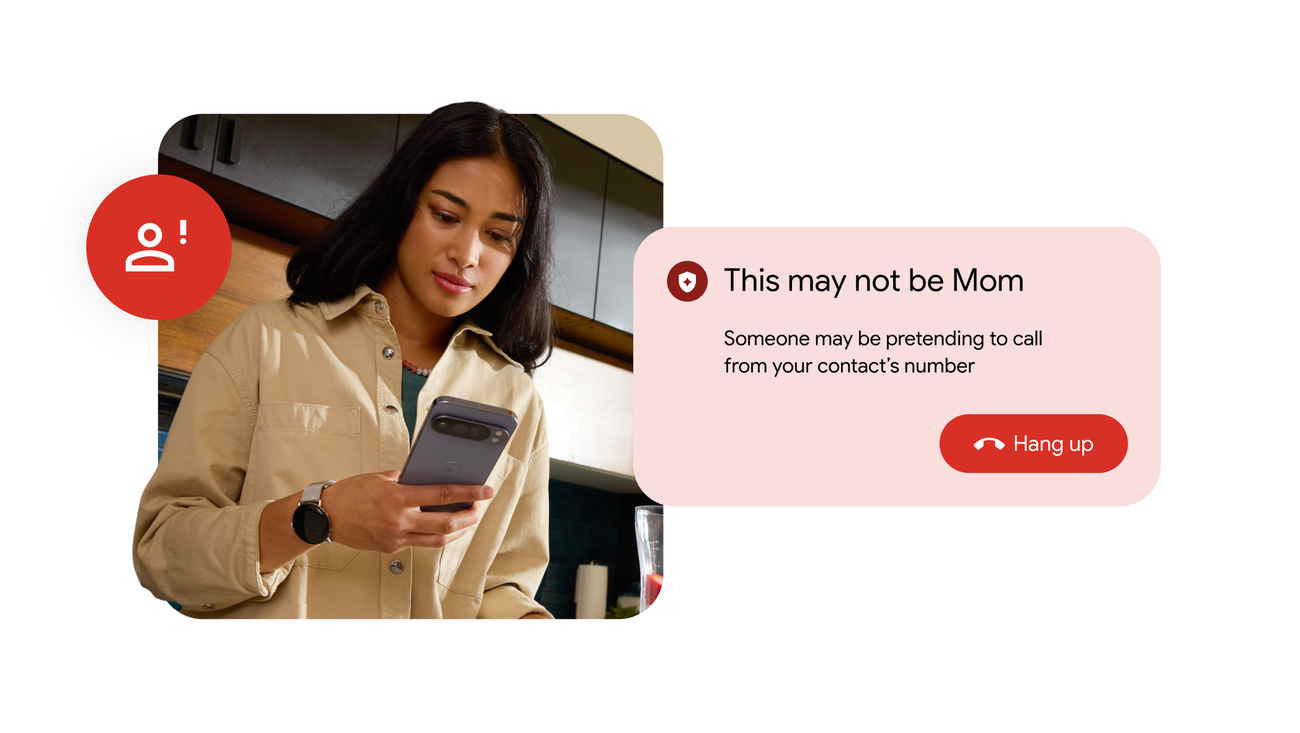
Google Messages adds location sharing, spam tools and RCS upgrades
Google Messages is adding location sharing, tougher spam controls and new RCS capabilities, but some interface changes are still only in testing.
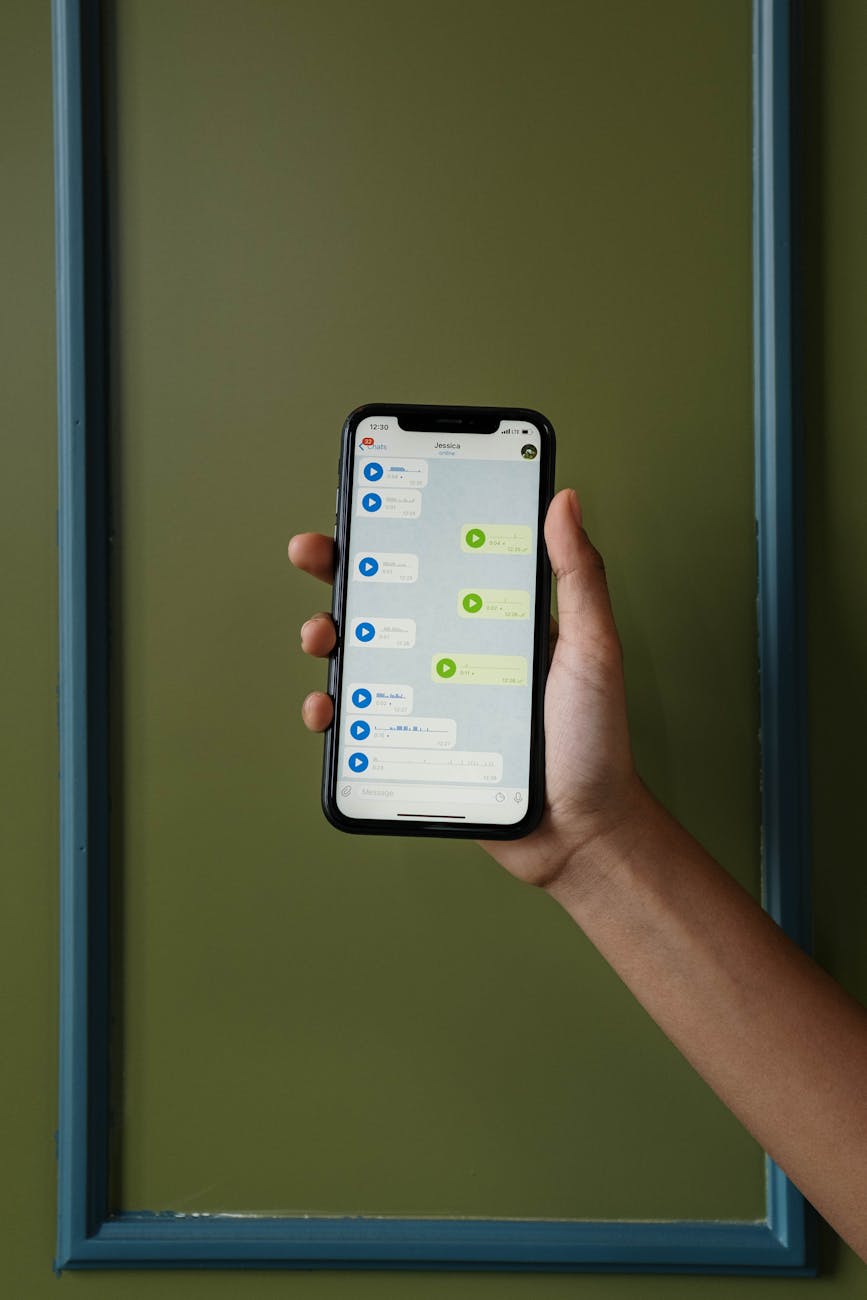
Google is shipping another batch of Google Messages features in May 2026, though the practical question for Android users is which ones have actually reached stable release. As 9to5Google reported, the latest round combines documented additions — stronger RCS protections, live location sharing and better spam handling — with interface tweaks that still appear limited to testing.
Messages has grown well beyond its origins as Google’s SMS fallback. It is now the company’s main consumer messaging app on Android and central to its RCS strategy. RCS, short for Rich Communication Services, upgrades plain SMS with typing indicators, richer group chats and higher-quality media. Each time Google changes Messages, it reshapes how ordinary Android users chat day to day.
Google’s own documentation confirms several May features are already locked in. The support site now states that “RCS is now available for texting between Android and iPhones”, while a separate Google blog post says end-to-end encrypted RCS messaging is rolling out across Android and iPhone users. End-to-end encryption means message contents stay scrambled in transit so only the participants can read them. Google does note limits, however — the iPhone side currently depends on Apple’s iOS 26.5 beta.
What is rolling out now
The most practical addition is real-time location sharing. Instead of dropping a single map pin, users can let another person follow their live position for a chosen window. Google says those windows can run for one hour, for the rest of the day, until manually switched off or for a custom duration. School pick-ups, late-night arrivals and group meet-ups become easier to coordinate, which is why this tool reads as a genuine rollout rather than a cosmetic redesign.
The feature also shows Google pushing Messages toward the territory of full-service chat apps, not a basic carrier inbox. A static location pin answers where someone was at one moment. Live sharing answers where they are now and whether they are still moving. Android Authority has already called the tool one of the more practical additions in the app. It solves an everyday coordination problem without asking users to install another service.
Google is strengthening its clutter controls as well. In its spam reporting guide, the company says reporting a conversation as spam also blocks the sender and moves the thread into the spam and blocked folder. Google adds that up to 10 recent incoming messages may be copied with the report. That detail is worth noting because it suggests the feature is designed to train the spam filter and document abuse, rather than simply hide an annoying thread.
A separate trash folder, highlighted by 9to5Google, is a quieter but useful change. Deleted messages sit there for 30 days before permanent removal, giving users a buffer if they clear a conversation by mistake. Older messaging apps treated deletion as final, so the grace period is a genuine improvement.
What is still limited
At this point the May update starts to read less like a launch list and more like a roadmap. The same 9to5Google roundup described interface and web client changes that appear to remain in beta or staggered testing. A new control or layout visible in one screenshot does not mean the feature has landed for everyone.
Google Messages has worked this way for years. Like many Google apps, it relies on A/B testing — different groups of users see different versions of the software at the same time. Google uses this to measure behaviour and stability before wider release. Updating the app from Google Play is necessary but not always sufficient. Some switches are controlled on Google’s servers, and some features depend on which type of chat is open.
Why the RCS push matters
Behind these individual features sits Google’s effort to make Messages the default place for modern texting on Android. SMS still works, but it is limited, less secure and poor at handling modern group chats or larger media. RCS is Google’s answer: richer features delivered through the phone number people already use, rather than forcing them into a separate social network.
That context is also why the iPhone angle carries more weight than any single interface tweak. For years, one of the core frustrations in mobile messaging has been the divide between Apple’s ecosystem and everybody else. If encrypted RCS works reliably across that gap, the change matters more than a redesigned compose box or a new web control. It pulls the default texting experience closer to what users already expect from dedicated chat apps.
What Australian users should expect next
For Australian readers, the most useful reading of the May batch is that several practical features are real now, but availability will vary feature by feature. Location sharing and stronger spam controls are the easiest to treat as usable today, because Google has documented how they work in its help pages. Cross-platform encrypted RCS is the bigger prize over the long term, though it is also the part of the rollout most likely to arrive unevenly while Apple and Google continue lining up support on both sides.
The thing to watch next is whether today’s tested features graduate into the stable app without caveats, and whether Google can make the RCS experience consistent enough that ordinary users stop thinking about standards at all. Until that happens, the approach is straightforward: trust the features documented in Google’s own support pages first, use third-party reports to spot what is coming, and treat anything still in beta as work in progress until it appears on your device.

Pip Sanderson
Reviews editor on phones, wearables, and the gear that lands in Australian shops. Reports from Melbourne.