Google AI Edge Gallery lands on Mac for local Gemini
Google AI Edge Gallery now runs on macOS, shifting local Gemini and Gemma workflows from phones to laptops for offline AI work.
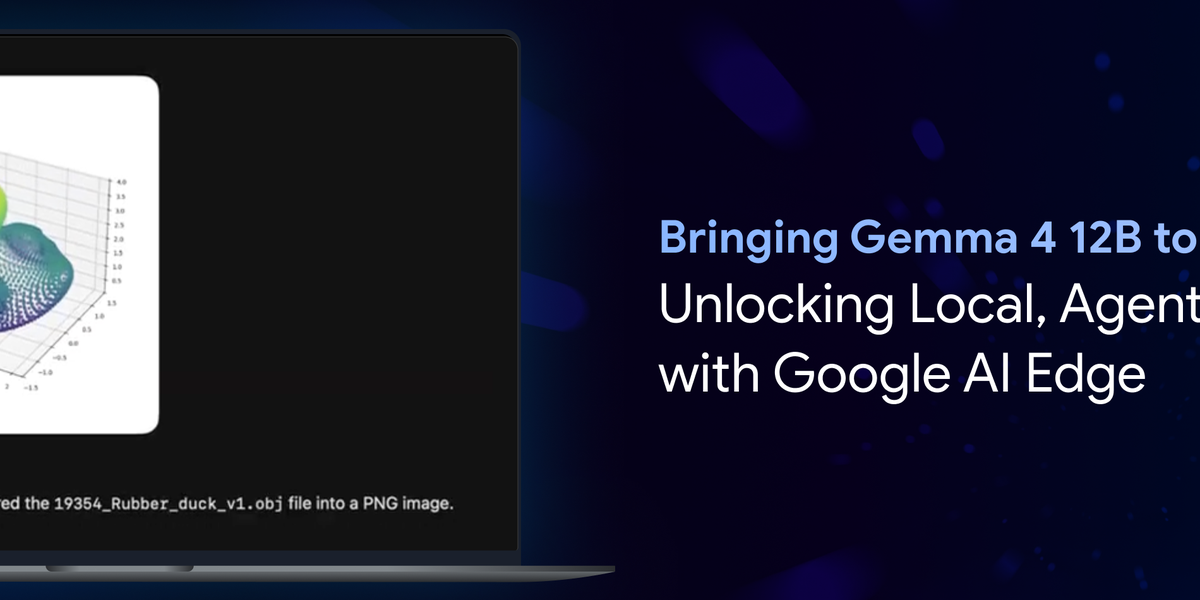
Google has released AI Edge Gallery for macOS, putting local Gemini and Gemma workflows on Mac laptops as on-device AI moves beyond phone demos and cloud chatbots. The app gives developers and power users another way to test Google’s models without sending every prompt to a hosted service.
The Mac app is a small release with a larger signal behind it. Google’s AI Edge pitch rests on lower latency, offline use and tighter control of data by running smaller models on local hardware. With the Mac release, that pitch reaches ordinary laptop work rather than just Android devices or specialist edge boards. It also gives Google a path to Mac users that does not depend on an operating-system deal with Apple.
Google’s developer material describes Gemma 4 12B as a model for local agentic work on laptops with at least 16GB of VRAM or unified memory. The company said the model is:
“designed to bring agentic, multimodal intelligence directly to your laptop”
Google Developers Blog
The requirement narrows the audience.
Still, it gives developers a sandbox before they commit data, latency and spend to hosted inference. A local model can run when a connection is poor, keep test prompts on the machine and return results quickly enough for prompt tuning, UI testing and prototype agent flows. Those are modest workflow gains, but they are often the difference between a demo and a tool that stays open during the working day.
Mac-focused coverage from 9to5Mac said the release brings AI Edge Gallery to five Mac models. AppleInsider put the user appeal more plainly: running Google’s Gemini large language models on a Mac without needing an internet connection. For Australian developers working from trains, client sites or homes with patchy broadband, that is not a throwaway feature. It matters more once work leaves the office or the inner-city co-working space.
Google is also adding more workflow glue around the app. A separate Google Developers Blog post details Model Context Protocol integration, notifications and session continuity for AI Edge Gallery. The additions point to a local workbench for agents, prompts and multimodal interactions, rather than a simple model viewer.
Privacy is the cleaner selling point, although it needs careful handling. Local execution reduces one obvious exposure, the prompt leaving the device by default, but it does not make every AI workflow private. Enterprises will still need policies for data handling, model updates, plug-ins and any agent framework that connects a local model to cloud services or internal systems. Local AI lowers one risk surface; it does not remove governance work.
For Google, the Mac release extends its on-device AI strategy into a laptop segment where Apple controls the operating system but not the whole developer stack. There is no sign of an Apple partnership here. The practical point is narrower: if Gemini-class tooling can be downloaded, tested and wired into local workflows on common laptops, the next phase of AI adoption may be measured less by chatbot launches than by where developers can run models when the network is out of the loop.

Asha Iyer
AI editor covering the model wars, AU enterprise adoption, and the policy shaping both. Reports from Sydney.